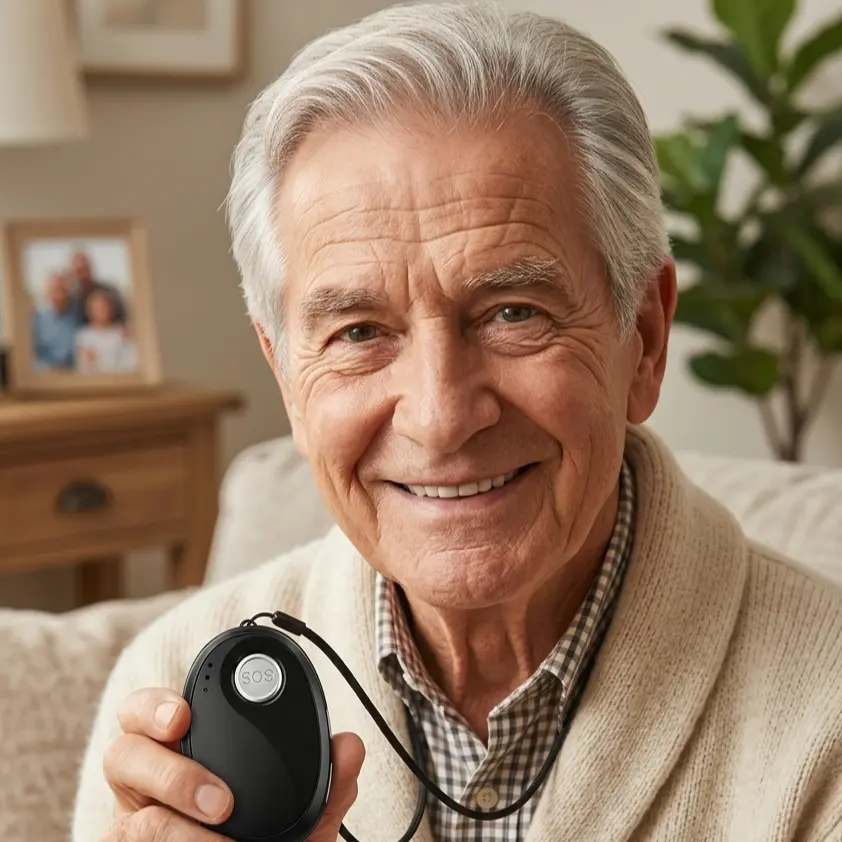
The emergency button in everyday life: charge it, wear it, test it
Deciding to get a personal alarm is usually the easy part. Whether it actually helps in an emergency isn't settled on the day it arrives, though — it's settled on perfectly ordinary Tuesday afternoons. Is the device charged and sitting on the dresser, or is it on the body? Does the family know they will be called if an alarm goes off? Is that number for the daughter still right, now that she has moved?
An emergency button isn't a piece of furniture you set up once. It's more like a smoke alarm: unobtrusive, silent most of the time, and easy to forget for exactly that reason. This article describes three routines that make the difference in practice — and how relatives can help without taking over.
Why everyday habits decide how safe you are
Most problems with alarm devices aren't technical failures. They're gaps in habit. The device is charged overnight and forgotten in the morning. It's taken off in the shower — precisely where a lot of falls happen. Or it sits in a drawer for months, properly charged, because nobody thinks about it anymore.
These gaps don't come from carelessness. They come from the device having no fixed role in the day. And that is exactly the part you can change, with very small, very specific agreements.
Charging: a fixed time beats any reminder
The most reliable charging habit is one you never have to think about. It attaches itself to something that happens every day anyway.
- Tie charging to a routine you already have. For example: the device goes on the charger during the evening news and back on the body after breakfast. If you have to work out when to charge, sooner or later you stop charging at all.
- Put the charging station where you already stop. Next to the coffee machine, next to the phone, on the nightstand. A charger in the basement doesn't get used.
- Follow the manufacturer's information. How long a battery lasts and how often it needs charging varies a lot between devices. Trust the manual for your model, not what a neighbour says about theirs.
- Use the warnings if there are any. Many systems report a low battery to the relatives stored in the system. If you get one of those messages, make a quick call — casually, not as an inspection.
For relatives, one rule holds: a battery level is a good reason for a conversation and a bad reason for a reproach. Anyone who feels monitored over charging will eventually put the device down for good.
Wearing it: it only helps on the body
An emergency button lying on the kitchen table is just as far away during a fall in the bathroom as the landline is. So the question that matters isn't "Is the device here?" but "Can I reach it if I can't move anymore?"
- The way it is worn has to suit the person. Some get on well with a wristband, others prefer a pendant, others again a clip on the belt or in a pocket. If one version feels like a nuisance, that's not a reason to grit your teeth — it's a reason to switch.
- Think about the bathroom and the night. Two situations where the device gets taken off especially often, and where a great deal happens. Check in advance whether your model is suitable for wet rooms — that's in the manufacturer's information too.
- Check straps and clasps. A stretched-out wristband or a broken clip means the device ends up on a shelf somewhere. Spare straps are a small investment with a large effect.
- Watch out for "just for a minute." "Just out to the garden," "just to the letterbox" — those are exactly the moments when falls happen, because the ground and the steps change.
Testing: once a month, announced
An alarm system that has never been tried out is a promise without proof. A monthly test takes a few minutes and answers three questions at once: does the button trigger? Does the alert reach the right people? Does everyone know what to do next?
Only one thing is essential here: a test has to be announced. Tell the stored contacts beforehand, so nobody gets a fright and nobody sets off unnecessarily. Many systems offer a dedicated test function in the app — if yours does, use that instead of a real alarm.
A good test covers:
- Triggering the button and watching what happens
- Checking who was notified, and how quickly
- Asking briefly whether the location shown was plausible
- A conversation about who would set off first in a real emergency
The alert chain belongs on the list too
Technology and people are two separate jobs. With NOA, an alarm first reaches the trusted contacts stored in the system — family, neighbours, close friends. If nobody in the chain picks up, the device calls the 24/7 emergency call centre as the last link — provided the emergency call service is switched on for this device. But both only work as well as the data behind them.
So twice a year, check:
- Are all the phone numbers still current?
- Has someone moved away, gone travelling, or become hard to reach for good?
- Is the order still right — is the person who can actually get there fastest listed first?
- Does every stored contact know that they are stored? It sounds obvious, and it's forgotten surprisingly often.
Good moments for this are dates that come round anyway: the turn of the year, a birthday, coming home from the summer holiday. Tie the check to a date and you'll postpone it less often.
Different rules away from home
A mobile alarm device is useful outside the home as well — on a walk, out shopping, on holiday. A few things change out there: location can be less precise inside buildings, in underground car parks or in dense built-up areas, and the way from alert to help is longer than it is in a familiar living room.
That's no reason to leave the device at home — quite the opposite. It's a reason to do two extra things when you're out: actually take it with you (not leave it in a coat pocket in the hallway) and tell relatives roughly where you're going. Together, those two habits cut a lot of search time in an emergency.
When something isn't working
Not every oddity is a defect. If the device charges poorly, stays unexpectedly silent, or a test doesn't go as expected, the order is the same as with any other device: the manual first, then the provider's support. Above all, don't sit the problem out. An alarm system whose function you can't judge with confidence suggests a safety it isn't actually providing.
The short version
- Tie charging to a fixed daily habit
- Choose a way of wearing it that actually gets worn — at night and in the bathroom too
- Test once a month, always announced
- Check contacts and their order twice a year
- Ask early when something seems off, instead of waiting
Safety in later life rarely comes from one big decision. It comes from small routines nobody notices anymore — until the day they count.
This article offers general orientation and replaces neither medical advice nor your device's manual. Details on battery life, water resistance and test functions differ by model and provider. In an acute emergency, please contact the emergency services without delay.