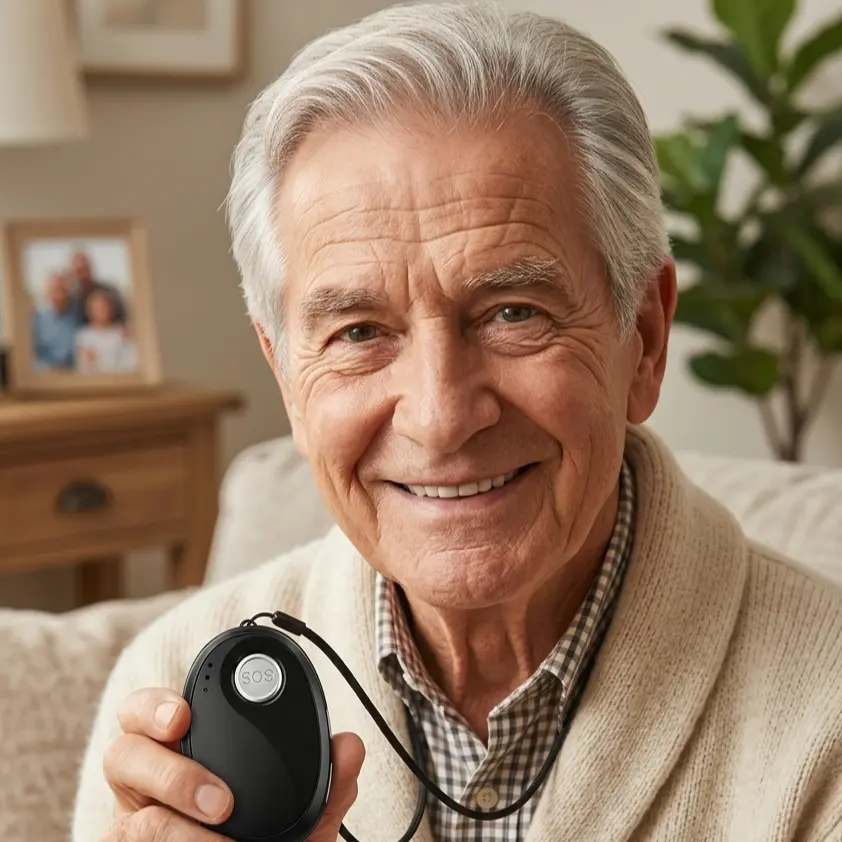
Fall prevention, independence, trustworthy help in emergencies: honest answers to the questions that really matter for seniors, families and caregivers — well researched, clearly explained, no scare marketing.
smart_toy
Transparency note: Articles in this magazine are created with AI assistance and reviewed by our editorial team before publication.
When is 112 the right call, and when the mobile emergency button? Clear rules for an emergency – and how family and trusted contacts can prepare together.
What information helpers need in an emergency, where the emergency folder should be kept, and how family members can put it together with their parents and keep it up to date.
In the winter months, the hallway, the stairs and the bathroom are used for hours on end by artificial light. This article shows which routes need better lighting first and how to set up a night light that actually helps.
Motion sensors can report a fall on their own when nobody is able to press the button. This article explains how the technology works, where its limits lie and how to set it up sensibly.
The person wearing a mobile emergency button decides who is allowed to see their location. This article explains when tracking happens, which rights apply and how families can settle the question without conflict.
A practical guide to choosing a mobile emergency button: the criteria that matter in everyday life, the emergency chain behind the device and the ongoing costs worth clarifying before signing anything.
Wet leaves, early darkness and slippery moss turn ordinary autumn walks into a risk. This guide shows which shoes, routes and habits keep older people steady outdoors, and how help arrives quickly if a fall happens.
What really happens between the press of the button and help arriving: the sequence of a mobile emergency call, from locating the device to the chain of calls and the 24/7 emergency call centre. Families can see in advance exactly how an alarm reaches them.
A personal alarm button only helps if it is charged, worn and known to work. Three everyday routines — and the twice-a-year contact check that keeps the alert chain intact.
Not every fall has a visible cause. Side effects and interactions between medicines often play a part - something families can easily overlook. What lies behind it, and how to raise the subject.
Most falls happen where people feel safest: at home. A room-by-room walk-through of the small changes that make a real difference, and what still matters once everything is tidied away.
Frequently asked questions about mobile emergency alarms
What does NOA really cost — are there any hidden fees?
NOA consists of the device, which you buy once, and the NOA subscription, cancellable monthly or annually, which you take out in the NOA app after receiving the device. SIM card, mobile service, GPS location, messages and accessories are included; there is no activation fee. With the NOA Mini, you can switch on the 24/7 emergency call centre per device: the first takeover in a calendar month is included; every further takeover is subject to a charge. We will publish all prices at the start of sales.
Does the wearer need a smartphone or app?
No — using the device itself requires no smartphone and no app. The NOA Mini has its own SIM card, mobile connection, GPS, speaker and microphone. It works fully independently, even if the wearer doesn't own a phone.
What happens if none of the three people answers?
With the NOA Mini, the process is a clear chain: 1. The NOA Mini calls the stored trusted contacts one after the other and at the same time sends the GPS location to all message recipients. 2. If the emergency call service is switched on for the device, the 24/7 emergency call centre is the last link in the chain: if nobody answers before that, NOA calls the centre, which speaks with the person and arranges help if needed — for each device, the first takeover each calendar month is included, every further one is subject to a charge. 3. If no one is reached on the first pass, NOA automatically starts the chain again from the beginning. We recommend storing three trusted contacts with different daily routines. If a trusted contact’s voicemail picks up, the call counts as answered and the call chain ends. Ask your trusted contacts to switch off their voicemail for calls from NOA.
Does NOA work abroad?
Yes. NOA works in all EU countries plus Norway, Switzerland and the UK. SIM card and roaming are included in the monthly service price — at no extra cost.
Is NOA a medical device?
No. NOA is not a medical device and does not replace medical or nursing care. NOA is a safety and communication service that quickly reaches trusted people in an emergency. The NOA device cannot place an emergency call to 112. In a life-threatening situation, dial 112 yourself if possible.
Knowledge is good. In an emergency, one button press is what counts.
In an emergency, NOA alerts your trusted contacts at the press of a button and sends the device location along. No smartphone needed.

 Featured article