Fall prevention, independence, trustworthy help in emergencies: honest answers to the questions that really matter for seniors, families and caregivers — well researched, clearly explained, no scare marketing.
smart_toy
Transparency note: Articles in this magazine are created with AI assistance and reviewed by our editorial team before publication.
When is 112 the right call, and when the mobile emergency button? Clear rules for an emergency – and how family and trusted contacts can prepare together.
In summer, many small everyday supports fall away at the same time — and with them the person who notices when something is wrong. Five steps that close this care gap without much effort.
The device is charged and worn — and still stays unused. The reasons have little to do with technology, and a lot to do with pride, fear and how families talk about it. What actually helps.
Caring for an older loved one takes quiet, constant effort. Here's how to look after your own health and share the load, without ever feeling you're letting anyone down.
An emergency button is only as good as the people it reaches. Here's how to build a well-thought-out emergency chain, whatever device or provider you use.
On the phone everything sounds fine — it's the in-person visit that reveals how daily life really is. A gentle guide to spotting, early and with love, where an ageing parent could use a little support.
A fall happens in seconds – but the minutes that follow often shape the outcome. How to stay calm, get help and prepare in the first minutes after a fall.
Fraudsters deliberately target older people — not because they are naive, but because of their circumstances. Learn the most common scams, the warning signs they all share, and how to protect yourself.
Living far from ageing parents brings a constant, quiet worry. With the right routines, a strong local network and a little technology, you can weave a dependable safety net even from hundreds of miles away.
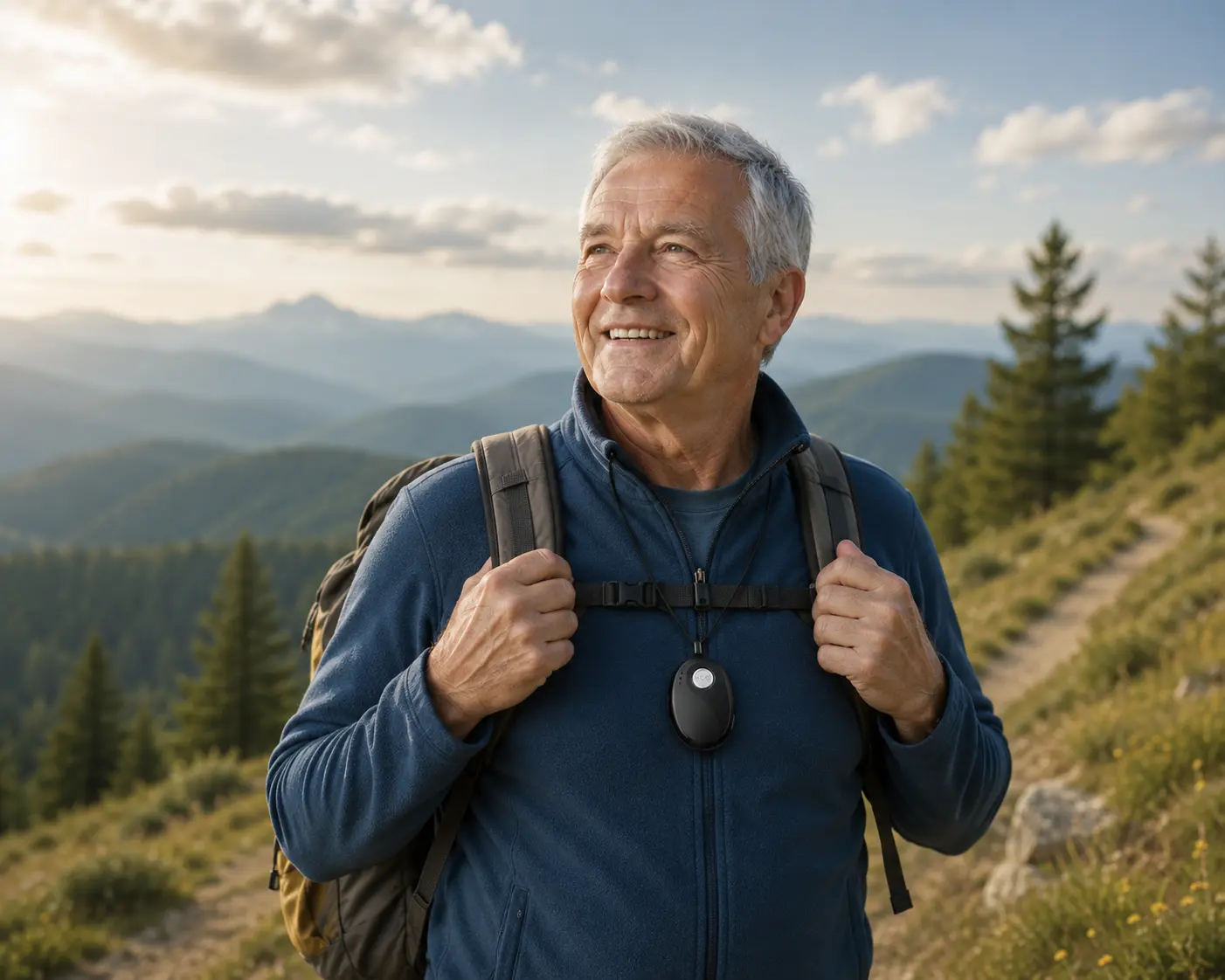
Travel keeps you young and curious at any age. With a little preparation, the right medication and a way to reach help fast, older people can travel with peace of mind.
Hot summer days place a particular strain on older people — often before they notice it themselves. Here are the simple habits that help them stay healthy, cool and safe through the heat.
Frequently asked questions about mobile emergency alarms
What does NOA really cost — are there any hidden fees?
NOA consists of the device, which you buy once, and the NOA subscription, cancellable monthly or annually, which you take out in the NOA app after receiving the device. SIM card, mobile service, GPS location, messages and accessories are included; there is no activation fee. With the NOA Mini, you can switch on the 24/7 emergency call centre per device: the first takeover in a calendar month is included; every further takeover is subject to a charge. We will publish all prices at the start of sales.
Does the wearer need a smartphone or app?
No — using the device itself requires no smartphone and no app. The NOA Mini has its own SIM card, mobile connection, GPS, speaker and microphone. It works fully independently, even if the wearer doesn't own a phone.
What happens if none of the three people answers?
With the NOA Mini, the process is a clear chain: 1. The NOA Mini calls the stored trusted contacts one after the other and at the same time sends the GPS location to all message recipients. 2. If the emergency call service is switched on for the device, the 24/7 emergency call centre is the last link in the chain: if nobody answers before that, NOA calls the centre, which speaks with the person and arranges help if needed — for each device, the first takeover each calendar month is included, every further one is subject to a charge. 3. If no one is reached on the first pass, NOA automatically starts the chain again from the beginning. We recommend storing three trusted contacts with different daily routines. If a trusted contact’s voicemail picks up, the call counts as answered and the call chain ends. Ask your trusted contacts to switch off their voicemail for calls from NOA.
Does NOA work abroad?
Yes. NOA works in all EU countries plus Norway, Switzerland and the UK. SIM card and roaming are included in the monthly service price — at no extra cost.
Is NOA a medical device?
No. NOA is not a medical device and does not replace medical or nursing care. NOA is a safety and communication service that quickly reaches trusted people in an emergency. The NOA device cannot place an emergency call to 112. In a life-threatening situation, dial 112 yourself if possible.
Knowledge is good. In an emergency, one button press is what counts.
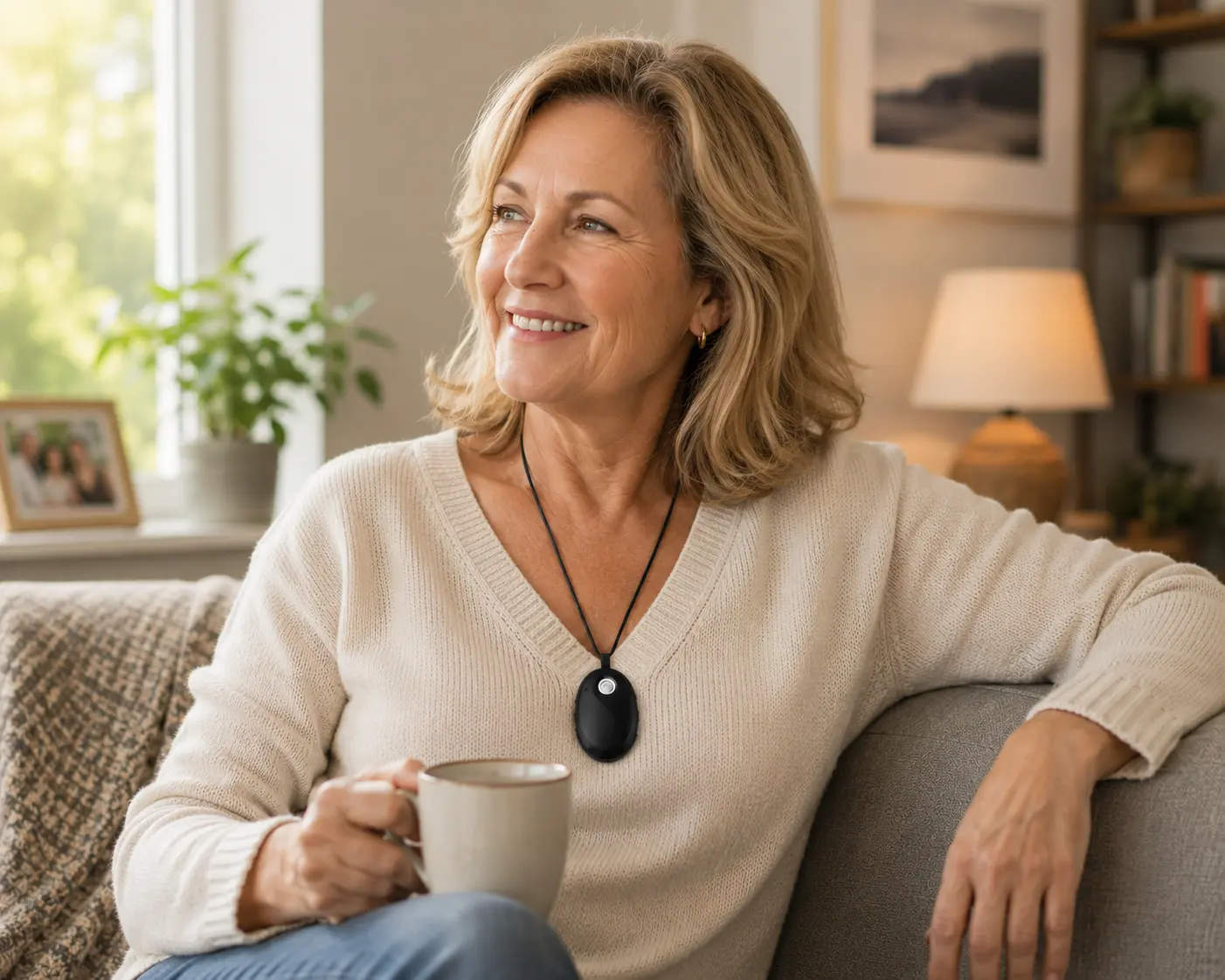
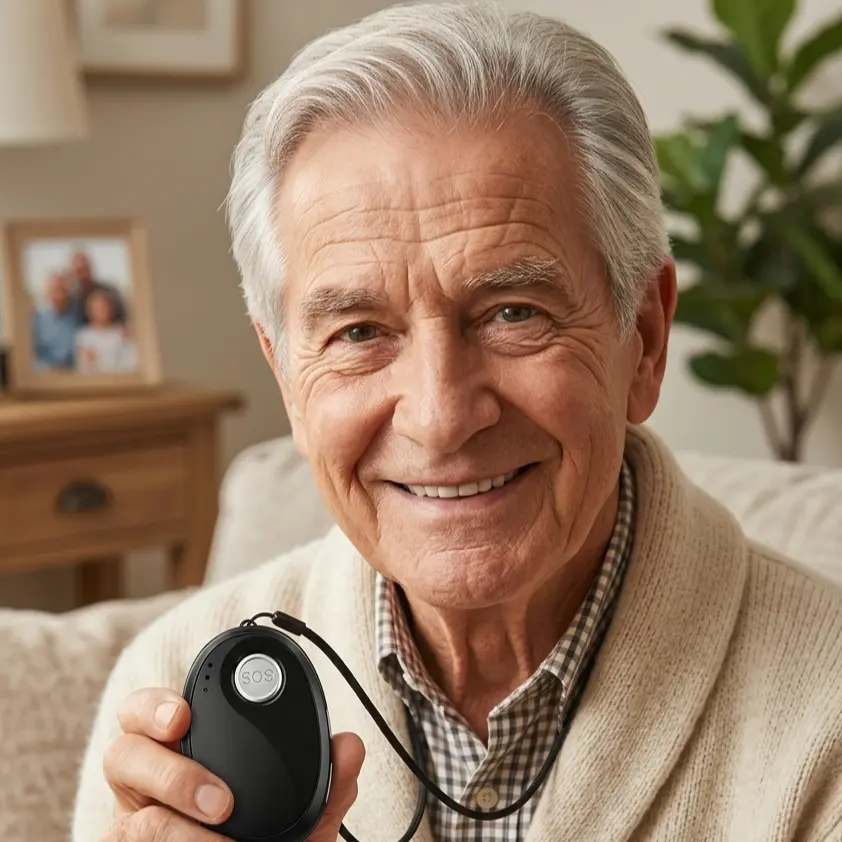
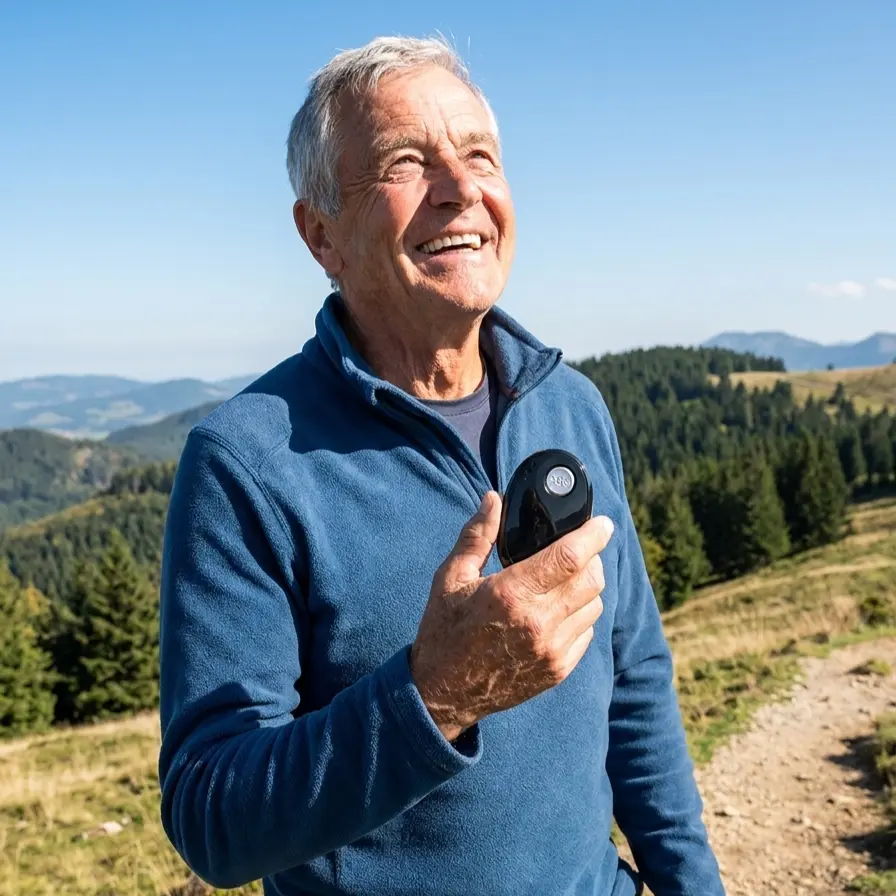
In an emergency, NOA alerts your trusted contacts at the press of a button and sends the device location along. No smartphone needed.

 Featured article